
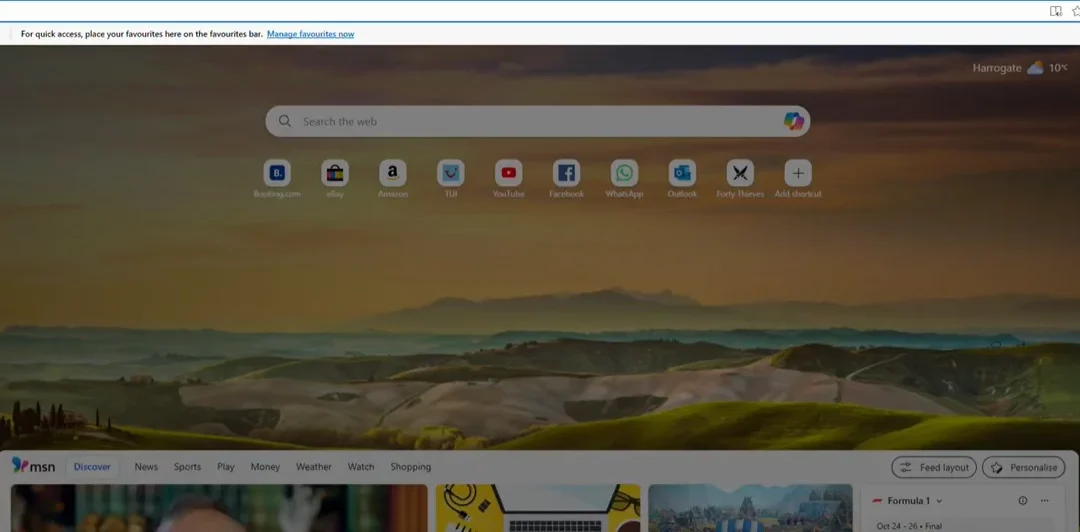
Browser Internet Issues Harrogate
Your Internet Acting Up? Try Clearing Your Browser Cache! for Harrogate & Yorkshire
We’ve all been there — you’re browsing the internet, and suddenly things start to slow down, pages don’t load properly, or a website just won’t behave the way it should. You try refreshing, restarting, and maybe even giving your computer the look. Still no joy.
Before you panic, there’s one simple fix that can often solve browser internet issues — and that’s clearing your browser cache.
If you’re in Harrogate or nearby, and your internet is acting strangely, this quick trick could save you a lot of frustration (and maybe a few choice words at your screen).
What Is a Browser Cache?
Your browser cache is a little memory bank that stores bits of information from websites you visit — images, scripts, and other files — so the next time you visit that site, it loads faster.
That’s usually helpful, but over time, the cache can become cluttered with outdated data, causing websites to load incorrectly or not at all. Think of it like hoarding old paperwork — eventually, things start to pile up and slow you down.
Why Clearing Your Cache Helps
Clearing your cache gives your browser a fresh start. It forces websites to download the most up-to-date content instead of relying on old files that might be causing glitches.
You might notice improvements like:
✅ Faster page loading times
✅ Websites displaying correctly again
✅ Fewer error messages and strange login issues
✅ A smoother, more reliable browsing experience
It’s a bit like giving your internet browser a mini spring clean!
Watch: How to Clear Your Browser Cache
If you’d like to see exactly how to do it, I’ve created a short, easy-to-follow video showing you the steps for Chrome, Edge, and Firefox. You can watch it here:
👉 Watch on YouTube
It only takes a few minutes and could save you hours of frustration later on.
Still Having Browser or Internet Issues?
If clearing your cache doesn’t solve your problem, there might be something else going on — such as:
-
Conflicting extensions or toolbars
-
Outdated software
-
Corrupted temporary files
-
DNS or network issues
That’s where I can help. I’ve helped many clients around Harrogate troubleshoot everything from slow browsers to full-blown internet connection headaches. Whether it’s a remote session or an in-person visit, I’ll get your system running smoothly again — with no tech jargon, just clear explanations and friendly advice.
📅 Book a Support Session
If you’d like me to take a look at your browser or internet setup, you can easily book a support session online here:
👉 https://cal.com/pcharmony/call-out-for-it-computer-support
Whether you’re dealing with browser internet issues in Harrogate or just want to keep your system in tip-top condition, I’m here to help — patiently, professionally, and always with a smile.
If you’ve tried clearing your cache and you’re still experiencing browser internet issues in Harrogate, don’t worry — there could be other culprits at play. Outdated extensions, corrupted cookies, or even a misbehaving Wi-Fi connection can all contribute to sluggish browsing and connection hiccups. At PC Harmony, I can help you diagnose and fix these problems quickly, whether remotely or in person. Sometimes a quick tune-up is all it takes to get things running smoothly again. If you’re not sure where to start, book a friendly troubleshooting session, and I’ll help you get back online without the stress or jargon — so you can focus on what really matters.
If you found this tip helpful, don’t forget to check out my other videos for more easy, jargon-free tech help — from Windows 11 Speed tips to website tips and everyday computer advice. You can find them all on my YouTube channel here.
Thanks for watching!
browser Internet Issues Harrogate
browser internet issues Harrogate
browser internet issues Harrogate