
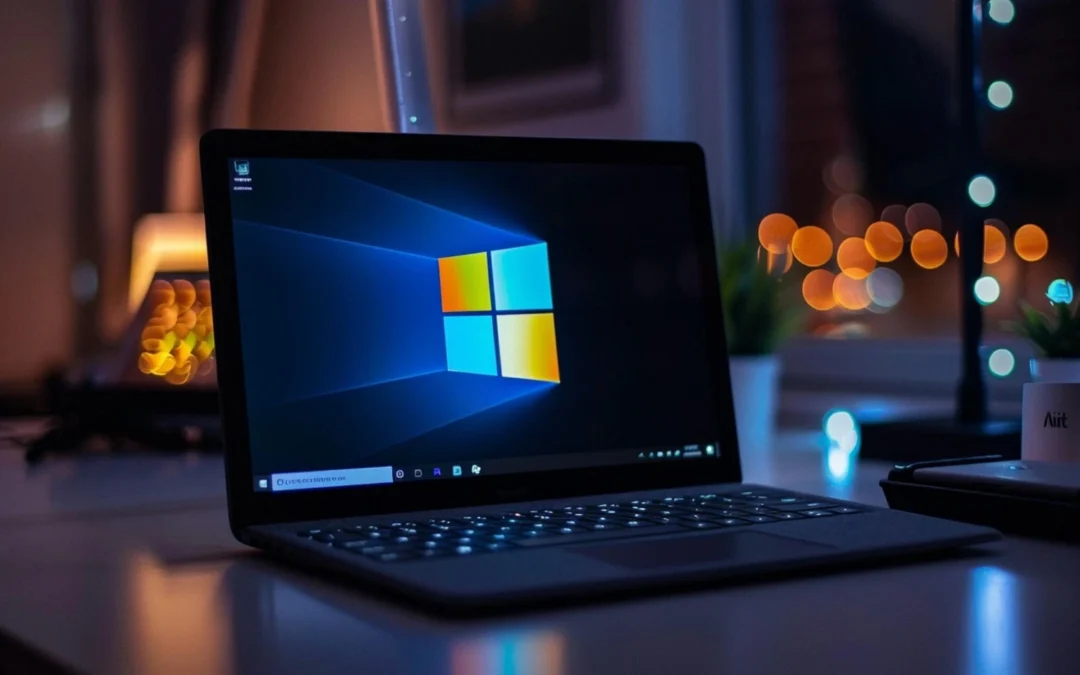
Windows 10 Is Retiring – Should You Upgrade to Windows 11?
If you’re still running Windows 10, the clock is ticking. Microsoft is officially ending support for Windows 10 on October 14, 2025. That means no more security updates, no more bug fixes, and no more technical support—unless you’re willing to pay extra.
So, what are your options? Should you upgrade to Windows 11, stick with Windows 10, or explore alternatives? Let’s break it down.
Microsoft Extends Security Updates for Windows 10 (For a Price!)
For the first time, Microsoft will offer extended security updates (ESUs) for individual users, not just businesses. This means you can keep using Windows 10 past 2025, but you’ll have to pay for the privilege—and Microsoft hasn’t yet said how much that will cost for consumers.
More details here: Microsoft Extends Security Updates for Windows 10 Beyond 2025 (for a Price)
To be fair, Microsoft has a history of sending out the odd emergency patch for end-of-life operating systems when a particularly nasty vulnerability appears. But relying on that is a risky game—there’s no guarantee your system will stay protected.
Windows 10 Was Supposed to Be the Last Version… What Happened?
Back when Windows 10 launched, Microsoft promised it would be the last version of Windows—just a continuously updated platform that would evolve over time. But then… they changed their minds. Enter Windows 11—with a fresh coat of paint, a new set of hardware requirements, and some frustrating restrictions.
Why Upgrade to Windows 11?
If your PC is compatible, Windows 11 offers:
✅ Stronger security – Improved protection against malware, phishing, and ransomware.
✅ A modern, clean interface – A centered Start menu, new design, and better multitasking features.
✅ Better hardware optimization – Faster boot times, better performance on newer processors.
For the standard user, there isn’t really that much of a change.
But What About Windows 11’s Ridiculous Hardware Requirements?
Here’s where things get frustrating. Microsoft imposed strict compatibility requirements for Windows 11, demanding TPM 2.0, newer processors, and Secure Boot. While these are great for security, many perfectly good machines were left out in the cold—not because they couldn’t run Windows 11, but because Microsoft said so.
And here’s the kicker: those restrictions are easy to bypass if you know what you’re doing. But most people don’t—which means a lot of perfectly good computers could end up needlessly thrown away. Not great for your wallet or the planet.
You can download the Windows 11 PC Health Check App to check whether your computer is compatible with Windows 11 or not and if you do upgrade.
Whether you are happy to upgrade after the go ahead from Microsoft or despite a no no , just make sure to backup everything properly beforehand.
What Are Your Options?
🔹 Upgrade to Windows 11 if your system is compatible.
🔹 Pay for extended Windows 10 security updates (if the price is reasonable).
🔹 Upgrade to a new computer if your PC is too old for Windows 11.
🔹 Stick with Windows 10 for now, but plan ahead—don’t panic quite yet – Microsoft has had a habit of extending the deadline in the past.
🔹 Look at alternative operating systems (Linux, anyone?).
Need Help Deciding? I’ve Got You Covered!
Not sure what’s best for you? I can:
✅ Check if your computer is Windows 11 compatible.
✅ Help with the upgrade process.
✅ Advise on whether to stick with Windows 10, pay for ESUs, or explore other options.
Book a consultation today, and let’s make sure you’re ready for Windows 11!